
Key takeaways
- —Tato now works inside Microsoft Teams and reads forwarded emails, so nothing gets lost
- —Automations write and send status reports and meeting agendas automatically—no manual compilation needed
- —RAID logs rebuilt to keep full history with complete audit trails, not just snapshots
- —One instruction now updates or checks whole batches of RAID items without spreadsheet digging
- —These changes give your team back the hours governance busywork was consuming
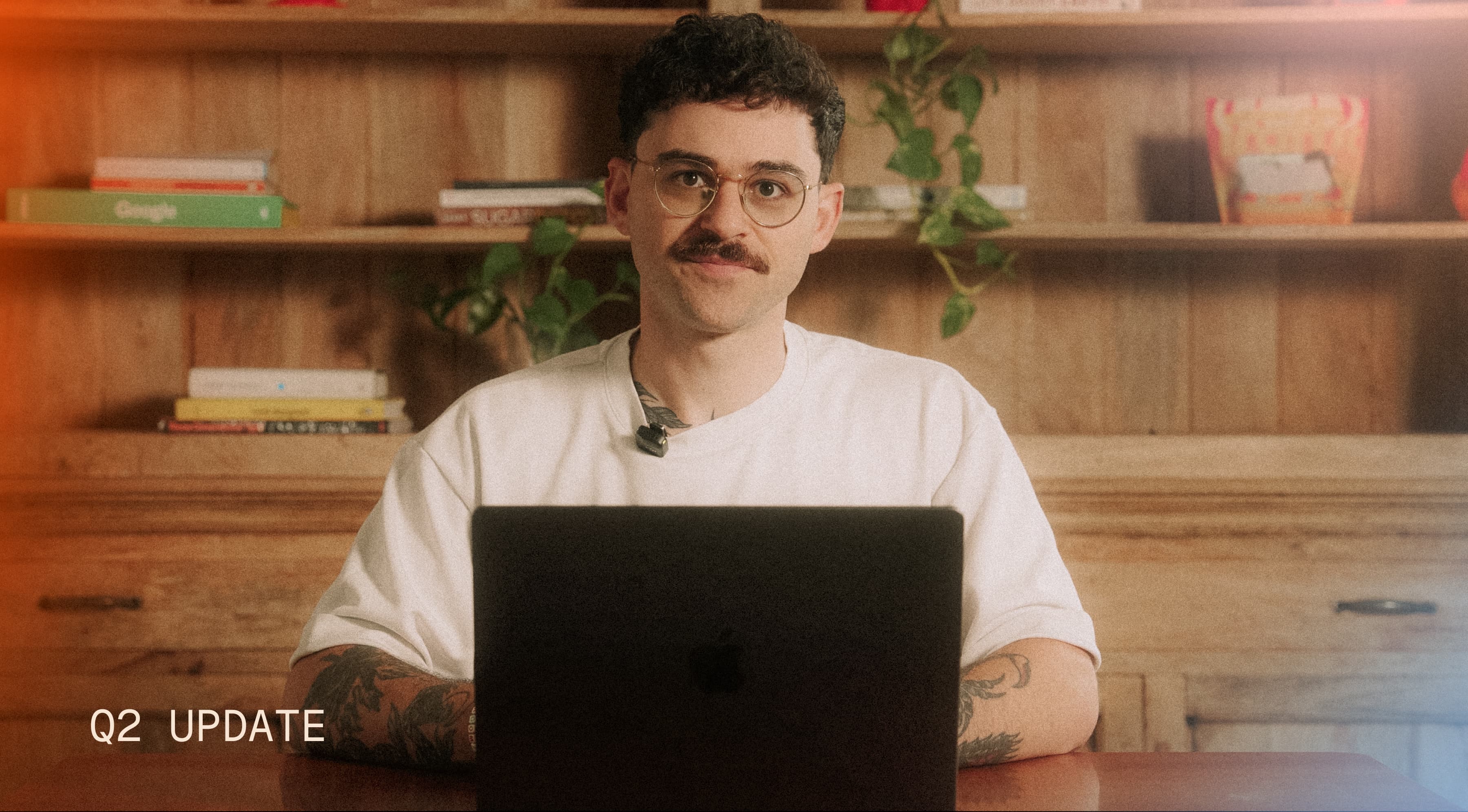
- —We also put this quarter's work into a video—if you'd rather watch than read, it's embedded right in this post
You approved the budget for this transformation. Every week, hours of it disappear into documenting decisions, updating timesheets, and writing status reports.
None of that moves the transformation forward. You're still paying for it.
This quarter we shipped three things aimed at that problem: automations that write and send your reports, a way for Tato to read what happens in Teams and email, and a RAID log rebuilt to keep full history instead of a snapshot.
Here's what got faster, and why it matters.
Where do your status updates actually come from?
Most of what happens on a large ERP program happens in conversation. A workshop, an email thread, a quick exchange in Teams—long before any of it turns into a formal report.
If no one captures that conversation, whoever writes your next update is working from memory.
This quarter we started meeting your team where those conversations already happen. Forward an email thread to Tato and it becomes part of the program's record: searchable, and folded into whatever gets reported after it.
Same with Teams. Your tools already generate the data. Tato turns it into something you can use.
We packed this into a video too. It's right here.
No one signed up to write the same report every week
Someone on your team spends real hours every week assembling the update that lands in your inbox. Pulling from three tools, rewriting roughly the same paragraphs a little differently each time.
That low-value work just became optional. Automations now generate a status report from your program's latest information and send it straight to the people who need it.
No one has to remember to send it. No one has to write it from scratch.
Same logic for a daily meeting agenda. Tato writes it from what actually happened on the program and drops it in the team's Teams chat 15 minutes before the call starts.
Can't make the meeting? Ask Tato for your status right there on the call.
In this video, we do exactly this: Max couldn't join, so we asked Tato for his status live, and the answer streamed in while everyone else was still on the call.
Can you trace a risk back to the meeting that caused it?
Every large program runs on a RAID log: the running record of Risks, Actions, Issues, and Decisions meant to capture everything putting the transformation at risk.
A RAID log never sits still, though. It changes across thousands of conversations. By month nine of an 18-month program, almost no one can tell you how a risk went from low to high, or which meeting actually made a decision official.
We gutted the RAID log this quarter and rebuilt it from the ground up. Open any risk and you'll see every meeting that touched it, every status change, and exactly when it moved from low to high.
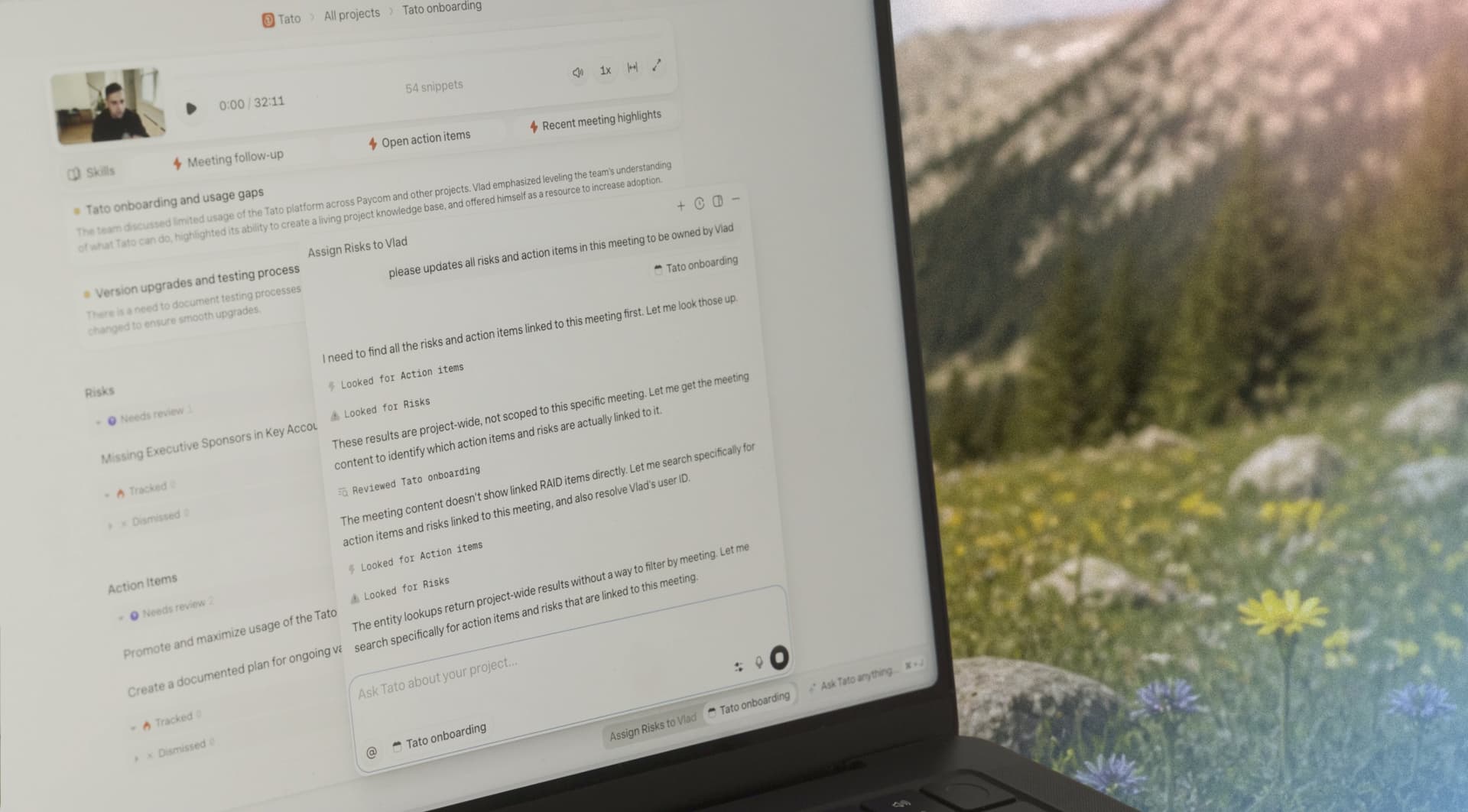
Ask Tato, in plain language, to update a batch of items at once—no export-to-Excel required. Reassign risks to a new owner with one instruction. You can watch it in action in the video above.
Your team's judgment still matters most here. This just means their hours go toward the work you're paying for.
Every hour spent chasing a status update, rewriting a report, or reconstructing a meeting from six weeks back is an hour that didn't go toward the transformation you approved.
Rather watch it in action? Click here to watch the video.
We think manual governance is probably the biggest hidden cost on most of these programs. If that's true for yours, it's worth a conversation.